The console that actually builds things.
Built for makers, by makers.

Built for makers, by makers.
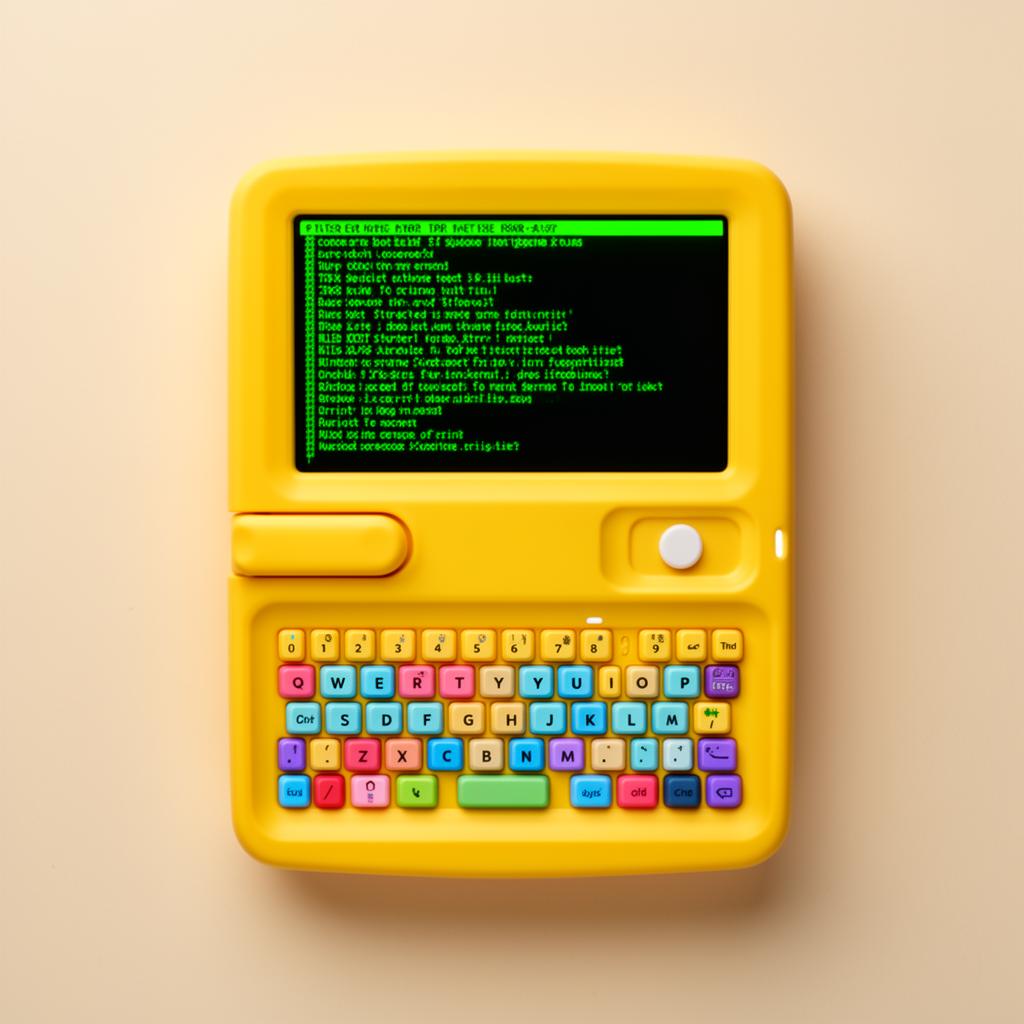
Kidux is designed to empower the next generation of makers and creators. With a focus on education, creativity, and hands-on learning, Kidux provides a platform for kids to explore technology, coding, and engineering in a fun and engaging way.
Kidux teaches children the fundamentals of Linux, Python and many other areas in IT.
Discover our range of innovative products designed to inspire and educate young minds.
The Kidux Mini is a compact and affordable computer designed to introduce children to Linux and Python programming. It features a user-friendly interface, pre-installed educational software, and a variety of coding challenges to help kids learn while having fun.
The Kidux Pro is a more advanced computer designed for older children and teenagers who want to dive deeper into programming and technology. It features a powerful processor, ample storage, and a range of educational tools to support their learning journey.
The Kidux MAX is the most powerful computer in our lineup, designed for advanced users who want to push the boundaries of what's possible. It features the latest hardware, extensive storage, and a comprehensive suite of educational tools.
Our curriculum is designed to be gamified so that children can learn while having fun. In the form of levels, children learn valuable skills while enjoying the learning process.
In this level, children will learn the basics of navigating the file system and discovering hidden directories.
In this level, children will learn the fundamentals of Python programming through interactive challenges and projects.
In this level, children will learn how to connect to remote servers and manage them effectively.
In this level, children will learn how to automate tasks using scripts and tools, making their workflow more efficient.
In this level, children will learn more niche and advanced shell commands to hone and practice their knowledge.
Our products are built with high-quality components to ensure a smooth and enjoyable learning experience. Here are the specifications for each of our products: